
Free Conversion Available
Convert <=500MB OST file into PST format at no cost.

A simple and secure method to convert OST file to PST file online for FREE
Fully Autonomous & Secure Processing

Secure & Private: Protected by Privacy Policy


Convert unlimited files-no size limit-with Desktop Software
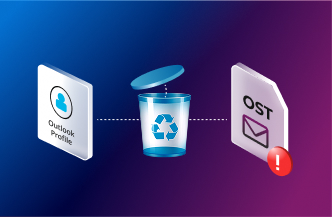
When Outlook profile is deleted or reset by IT, your OST file becomes orphaned and unreadable.
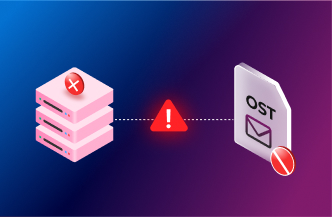
When Exchange Server goes offline, OST file loses connection & mailbox becomes inaccessible.
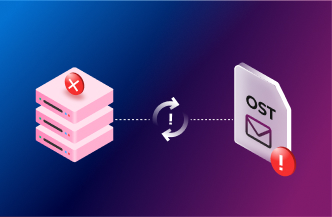
When your OST file stops syncing, the mailbox is either disabled, or disconnected from server.
Your OST file is in safe hands — secure, automated and ready in minutes.
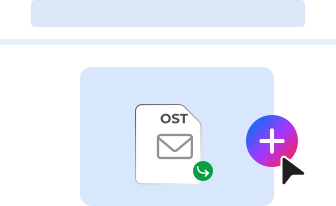
Select and upload your OST file directly from your browser.
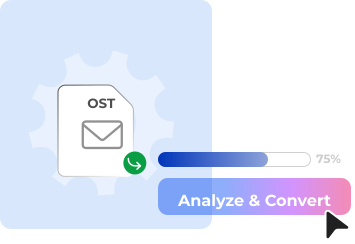
Convert OST format into PST format quickly and accurately.
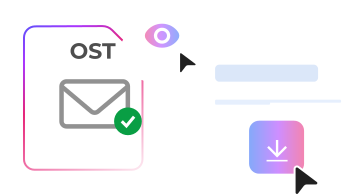
Preview & Download your converted OST file into PST format.
Stellar Online OST Converter handles complete mailbox conversion from inaccessible or orphaned OST files with zero data loss. Every mailbox item, emails, contacts, calendars, notes, and journals are accurately converted into a portable PST format, retaining the original folder hierarchy throughout. Once your OST to PST conversion is complete, download the PST file directly to your computer or preview the mailbox folder structure and item count in the browser before saving.
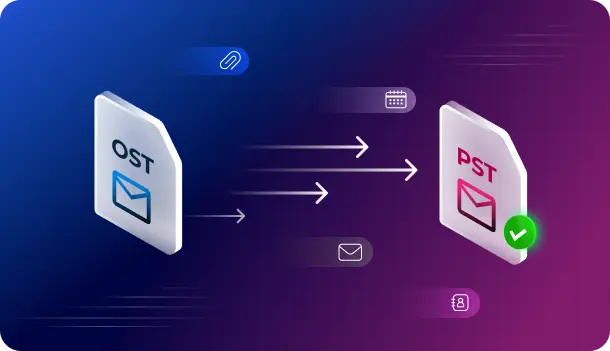
Convert OST files online with privacy, convenience, and progress visibility built into the workflow.

Convert <=500MB OST file into PST format at no cost.

Convert OST to PST easily without the need for Outlook installation.

Convert files directly online - no need to download or install a software.

Track upload, conversion, and download progress on files in real-time.

Strict compliance with privacy regulations as data is deleted after conversion.

Perform OST file conversion even when Exchange Server is unavailable.
Start with Free plan - upgrade to Premium to convert larger files.
We have answers to the most common questions that our users ask.
Yes, you can convert OST files to PST format for free if the file size is less than 500 MB. No credit card required.
Free plan supports conversion of OST files up to 500 MB. Premium plan supports OST files up to 5 GB. Desktop Edition has no file size limit for OST conversion.
OST files are uploaded using SSL encryption and converted into a fully automated environment with no human touchpoints. Files are permanently deleted from our servers within 24 hours (Free plan) and 48 hours (Premium plan) after conversion.
No. Stellar's Online OST converter does not require Outlook to be installed. The entire conversion process runs securely online & no local software is needed.
No. Even if your Exchange Server is offline, decommissioned, or permanently unavailable, you can still convert the OST file to PST using this online tool independently.
Once your OST to PST conversion is complete, you will receive a download message notification. Click the link to save the converted PST file to your local system. By default, it is saved to your Downloads folder.
Yes. For OST files up to 500 MB, you can preview the converted folder structure and item count directly in your browser before downloading. This helps you verify complete data before saving the PST file.
The time to convert an OST file to PST depends on file size and your internet connection speed. Most OST files are converted and ready to download within 15 minutes. Larger OST files may take additional time.
Stellar Online OST Converter retains all mailbox items from the OST file — including emails, attachments, contacts, calendar entries, tasks, notes, and journal entries. You can preview the converted data as an HTML file in your browser, where the original folder structure is fully preserved before downloading the output PST file.
You may need to convert an OST file to PST when Outlook is not installed on your system, your Exchange Server is decommissioned or unreachable, you are working in a restricted environment where software installation is not permitted, or you need remote access to your mailbox data without IT support.
Yes. Password-protected OST files can be uploaded and processed. The password protection does not affect the OST to PST conversion process.
No. Only one OST file can be converted per session. To convert additional OST files, each file requires a separate conversion. The Desktop Edition allows conversion of up to 5 OST files at $79 with no file size restriction.
If the converted PST file appears empty after OST to PST conversion, the source OST file may have no synchronised data or is severely damaged. Try the Desktop Edition, which uses advanced algorithms to extract data even from heavily damaged OST files.
The tool supports OST files created by MS Outlook 2003, 2007, 2010, 2013, 2016, 2019, and 2021 — including both ANSI and Unicode formats.
Stellar Online OST Converter works on all major modern browsers including Google Chrome, Mozilla Firefox, Microsoft Edge, and Safari — on both desktop and mobile devices.

Stellar offers a range of online services that you can use for free.